.png)
Transfer WhatsApp data from or to a phone
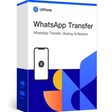
UltFone WhatsApp Transfer is a WhatsApp transfer tool that allows you to pull massive amounts of information from the WhatsApp platform. It can be used to transfer, restore or backup Whatsapp conversations, contacts, media, and all its meta data.
Rather than using tools like Helium Backup or Easeus to backup your entire devices, you simply backup whatever information has passed through Whatsapp. You may then restore your WhatsApp conversations if you have factory reset a mobile device or you bought a new one and you want your WhatsApp conversations back.
Does it pull old information from WhatsApp?
No, this is not a WhatsApp record recovery tool. If you have lost your WhatsApp conversations completely, you will have to contact WhatsApp. If you want to avoid losing your conversations, data, media, then this is the tool you can use to back up your WhatsApp content.
How can I transfer my old WhatsApp to new WhatsApp?
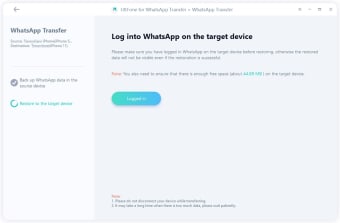
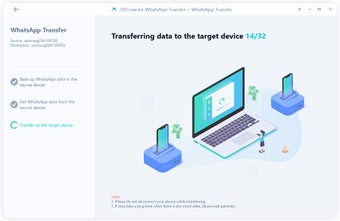
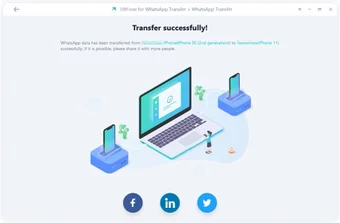
Use this UltFone tool to back up as much as you want from your old phone’s WhatsApp account. Store that data, and then use this tool to restore the data into your new phone, essentially transferring your WhatsApp activity, data, records from an old phone to a new one.
Far more in-depth than it first appears
This WhatsApp backup tool does far more than it first seems, and it does it without adding bloatware. For example, it can transfer from five or more devices per paid account, it can install cross different operating systems, and offers one-click quick backup options.
Store files locally and choose what to keep
You do not have to rely on third-party servers. You can store WhatsApp conversations locally if you wish. You can pick what dates between which you wish to save, you can conduct a full backup, or you can just back up the text, files, or metadata.